This guide is for Android. Looking for iOS guide or Desktop guide?
Manual Installation
Follow these 3 simple steps
⋮
Step 1
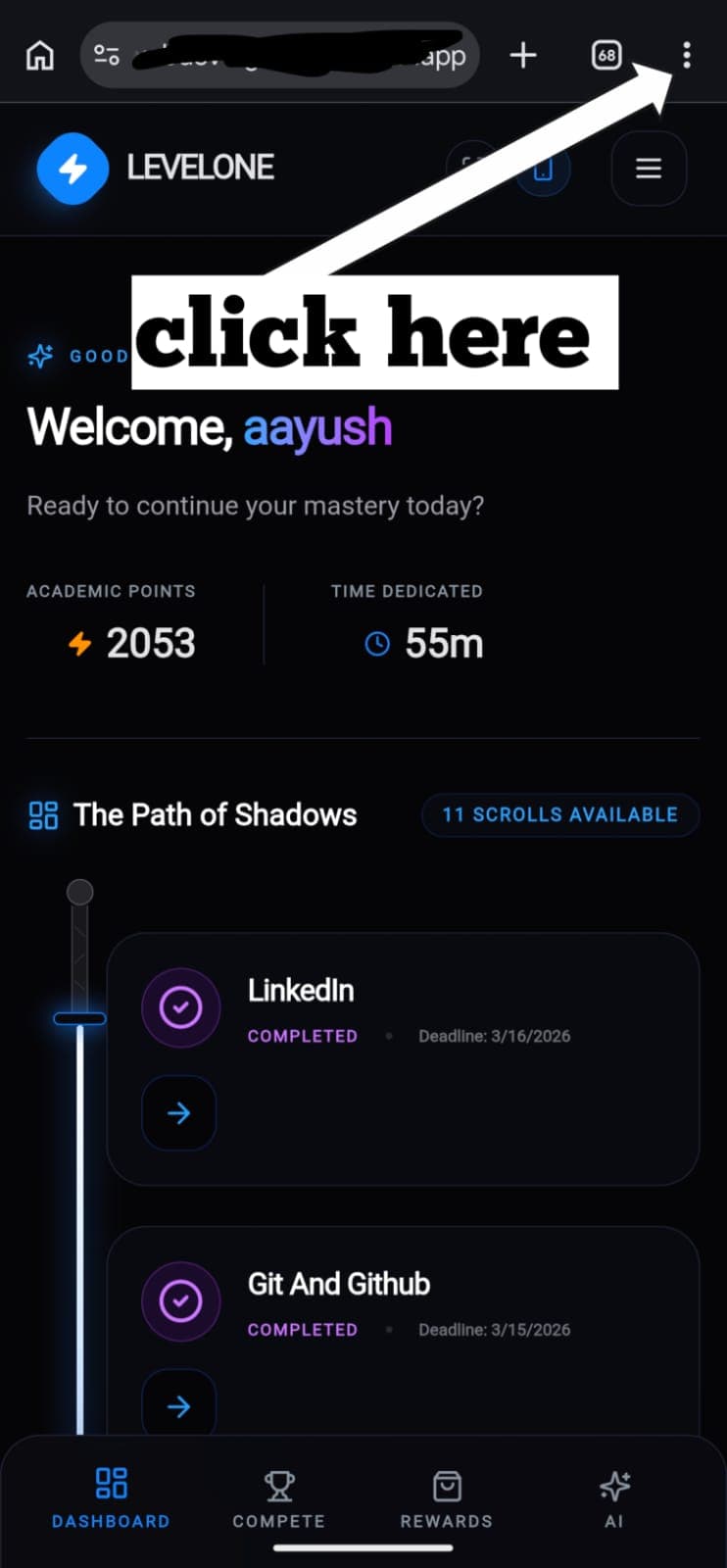
Open Chrome Menu
Open Levelone in Chrome. Tap the three-dot menu icon (⋮) in the top right corner of the Chrome browser bar.
💡
Make sure you tap Chrome's menu, not the Levelone app menu.