This guide is for iPhone/iPad. Looks like you're on a different device — Android guide or Desktop guide.
🧭
Step 1
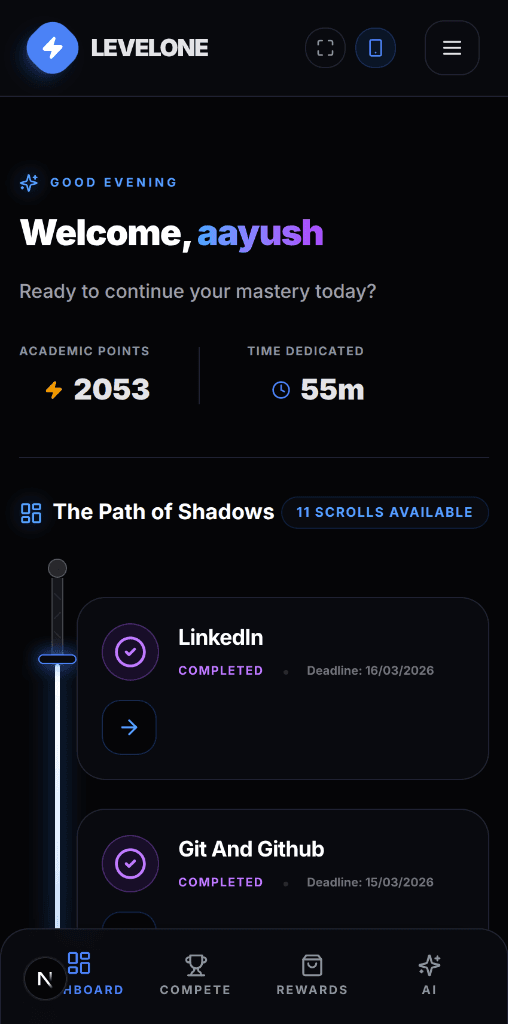
Open Levelone in Safari
Open Levelone in Safari on your iPhone or iPad. Make sure you're using Safari — not Chrome or any other browser.
💡
Safari is the default browser on iPhone/iPad. If you're in another browser, copy the URL and paste it in Safari.